What to inspect in a dashboard reference
Dashboard inspiration is most useful when it answers a concrete implementation question. Before opening a source bundle, decide which decision the interface supports: monitoring a system, reviewing a customer pipeline, tracking a personal habit, or scanning a compact operational view. The answer changes what should be prominent, what can be secondary, and how much visual density is appropriate.
Read the visual hierarchy first
Find the first number, chart, state, or action your eye reaches. A dashboard should make the primary reading path visible before secondary filters, table rows, or controls compete for attention.
Check density against the job
Compare whitespace, line lengths, card size, and grouping. A sparse health or habit view can support reflection; a technical or CRM view may need denser scans and faster comparison.
Look for state changes
Useful dashboard references show how a person can move between overview, detail, filtering, and empty or changing data. Expanded previews help you assess visible interaction cues before checkout.
Six dashboard references to compare publicly
These named records are part of the 15-item dashboard filter. They are different reference points, not ranked recommendations: each exposes a distinct product context you can inspect in the public archive before deciding whether its HTML and React exports are useful to your project.
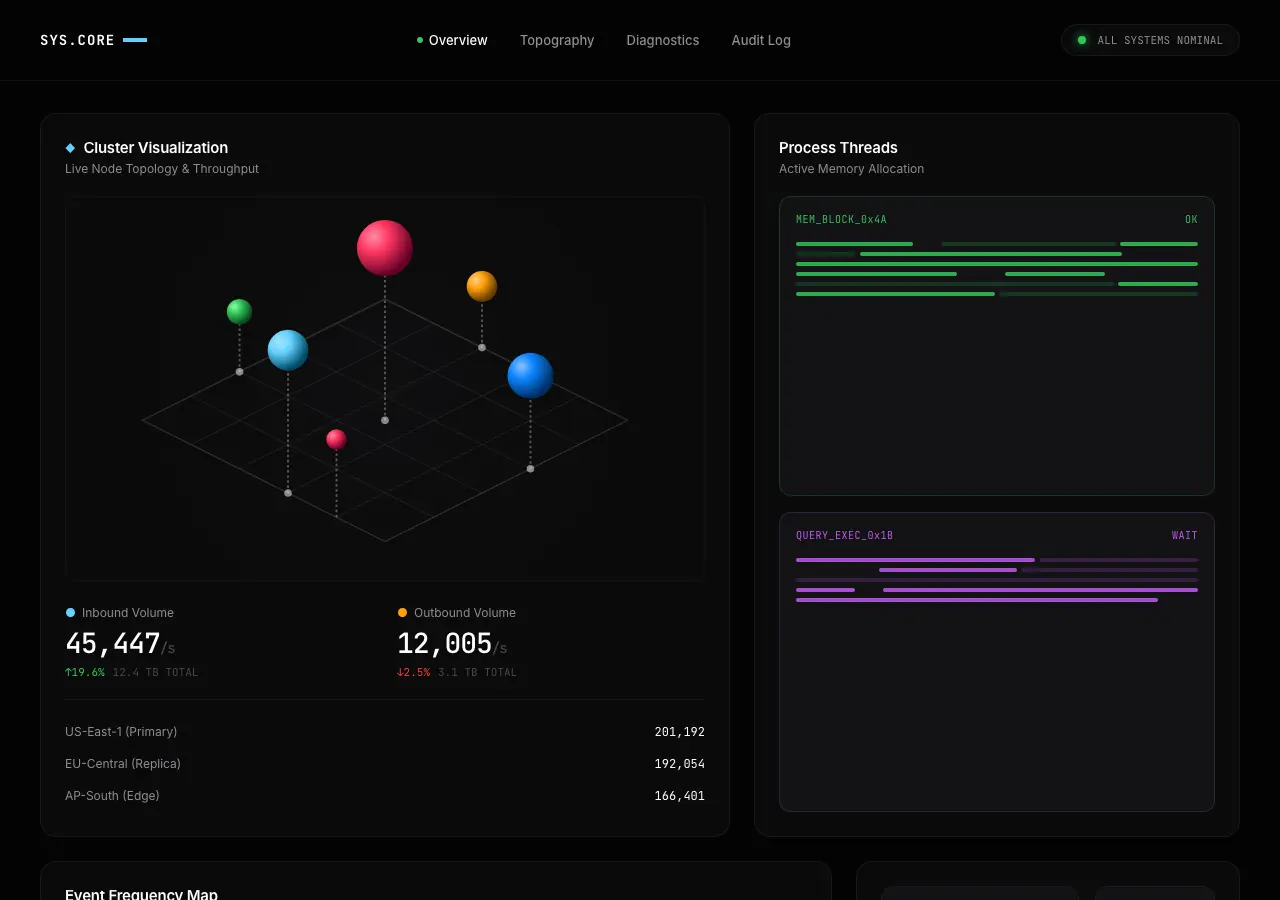
Public archive preview · Featured
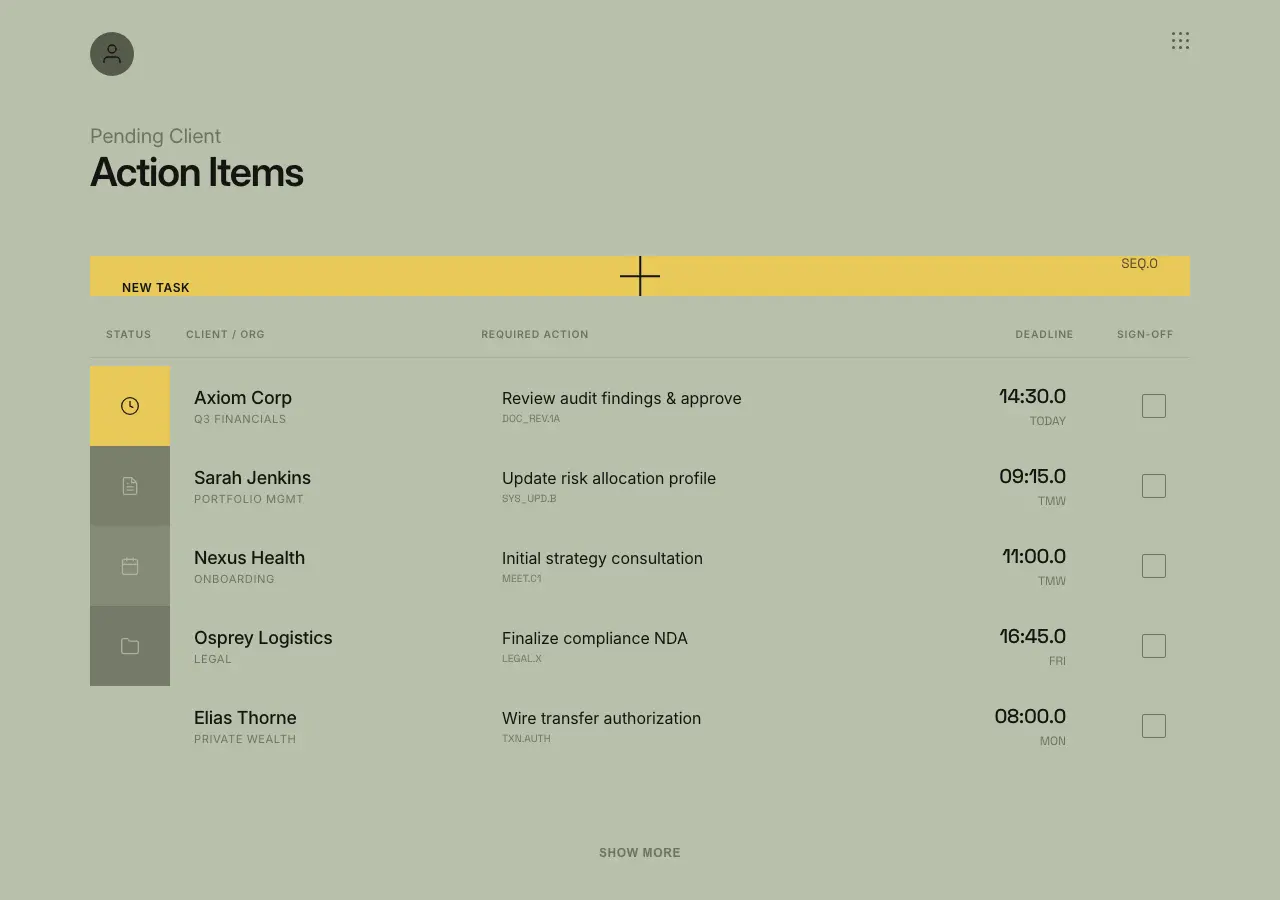
Public archive preview · meloniej
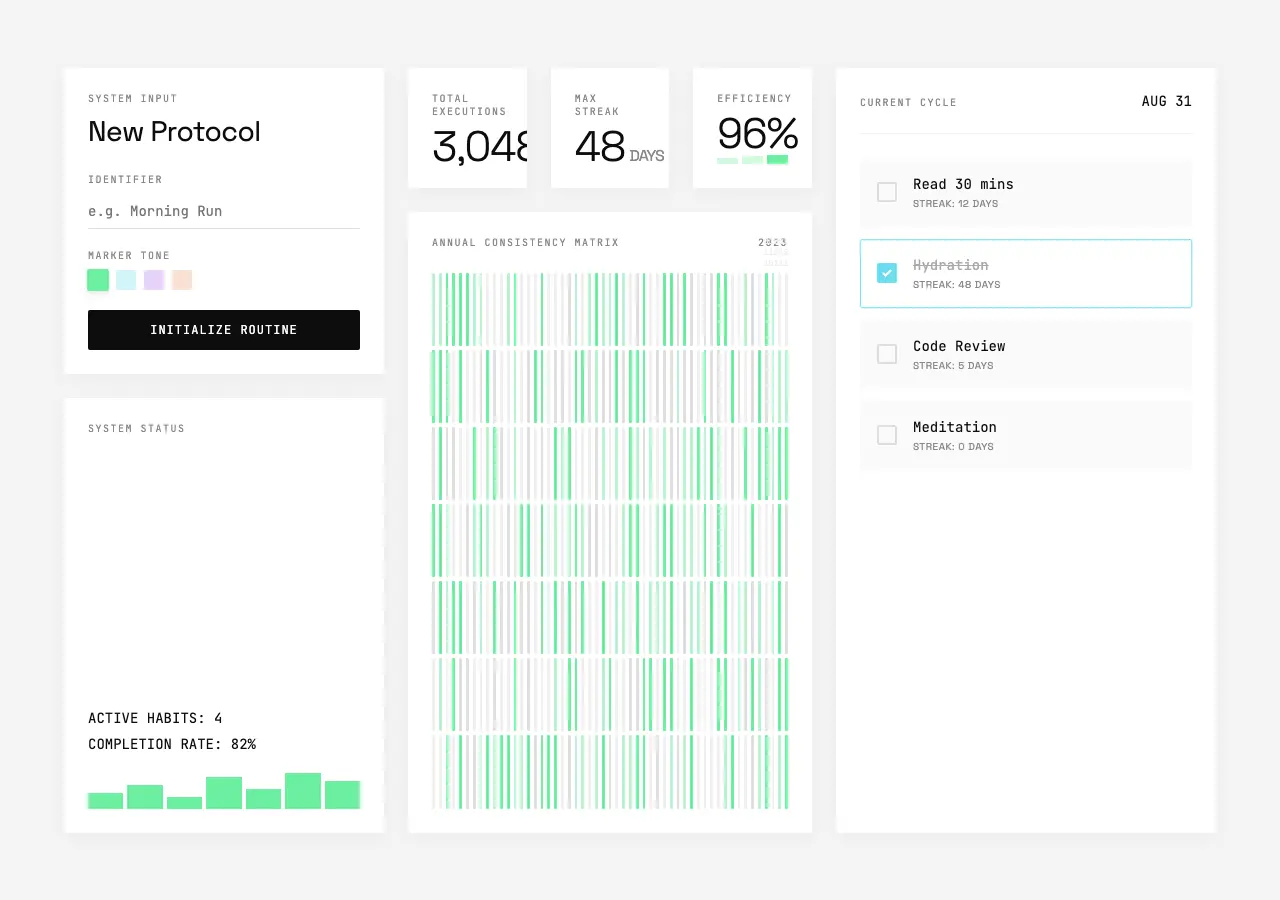
Public archive preview · hyouyomail
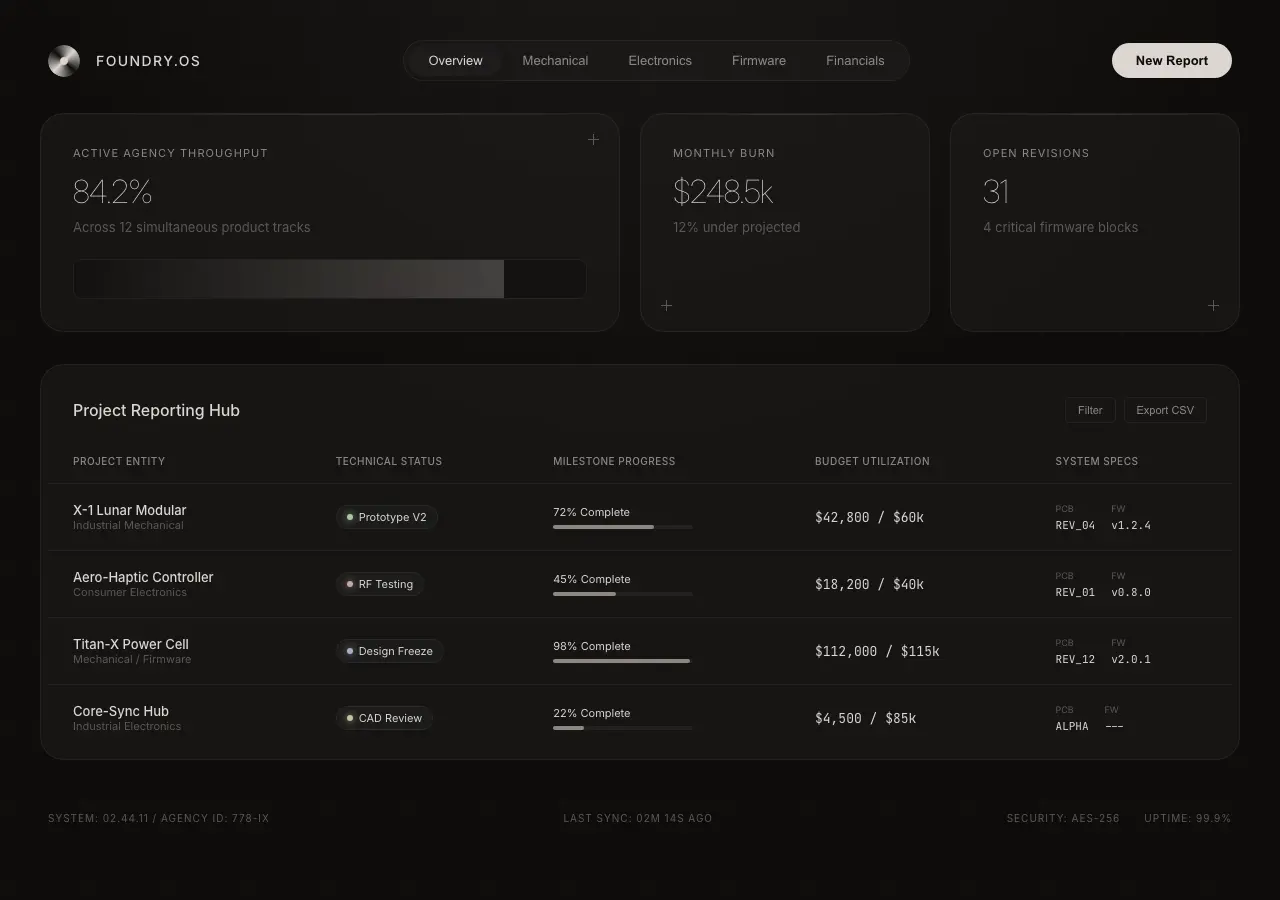
Public archive preview · alexmatthewsid
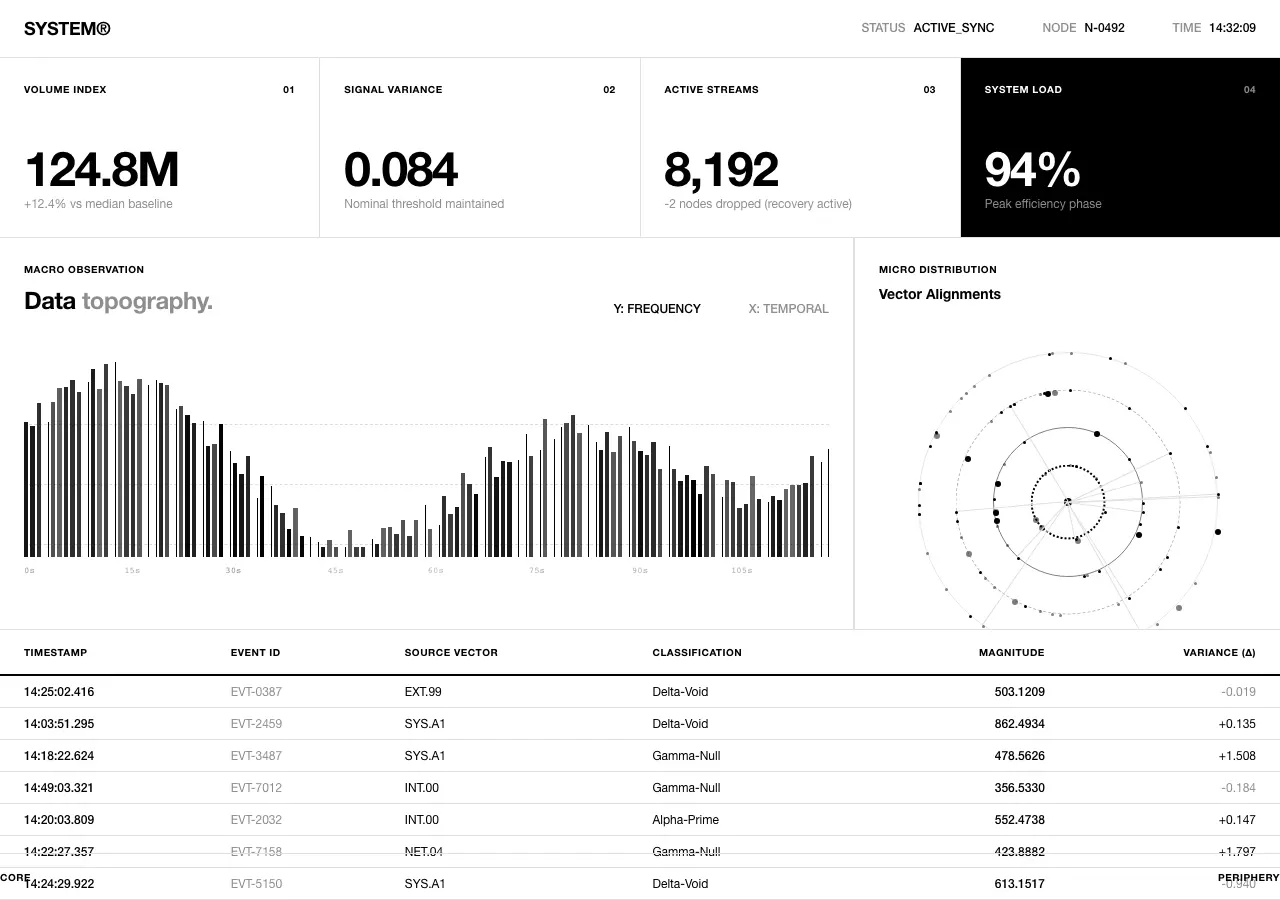
Public archive preview · Featured
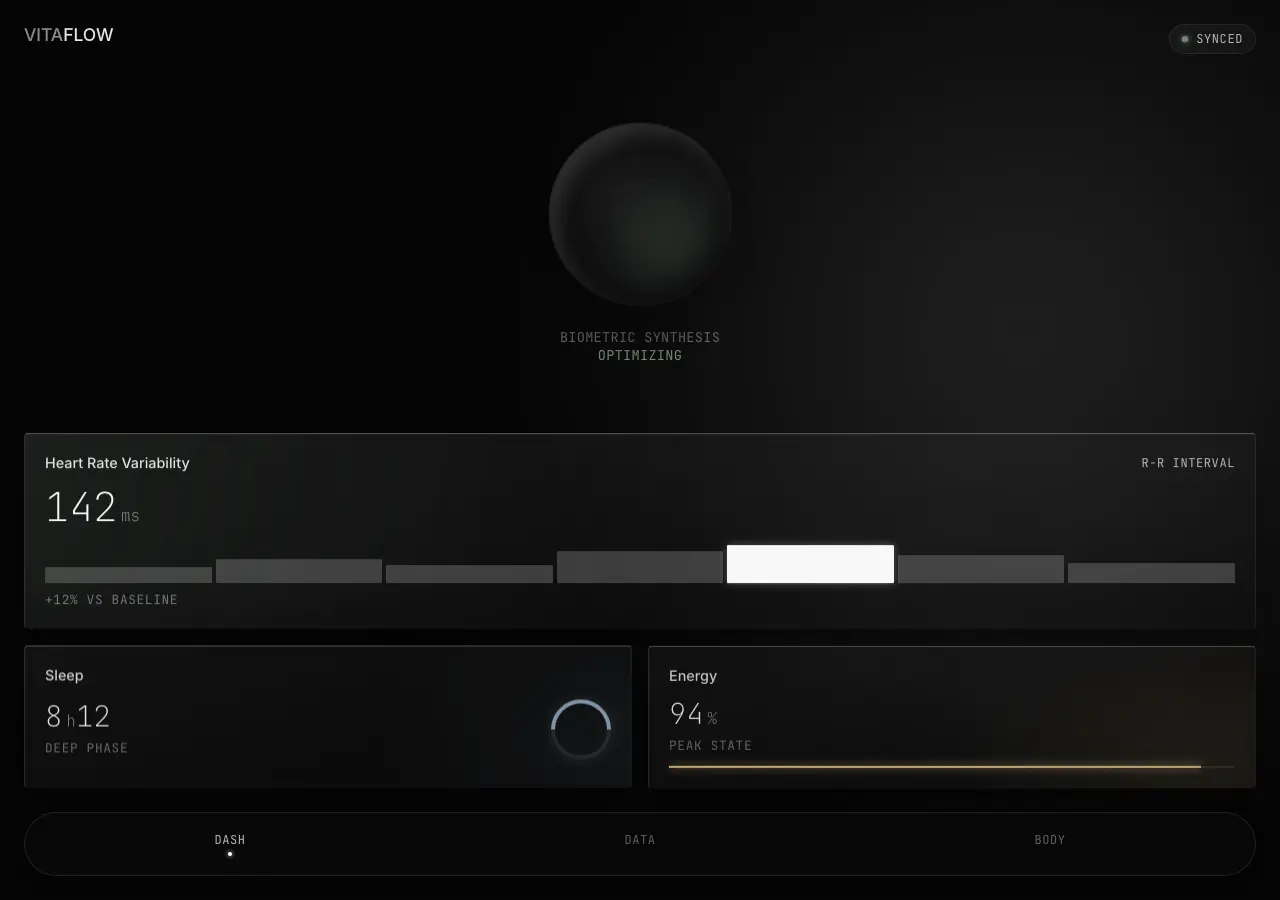
Public archive preview · christianmimmo
Use source code as an implementation reference
The public preview answers whether a visual direction deserves closer study. A selected Panor source bundle then provides the archived HTML export, React export, and metadata record for that particular design. HTML is useful when document structure and markup are the focus; React is useful when a component-oriented implementation reference is more relevant.
For the full account and delivery model, read What Is a Web Design Source Bundle? and the HTML and React comparison guide.
Purchase and delivery
Each $0.51 USD purchase is for one selected source bundle, not the entire archive. Panor asks a buyer to sign in or create an account before secure Stripe checkout. After payment fulfillment, the selected source appears in My Library for the account that completed the purchase.
The Design Archive is published with Variant legal-team authorization for public preview display and account-bound source-bundle delivery. Public previews are available for evaluation; source files are not anonymous downloads.
Open all 15 public dashboard references
Filter the live archive to dashboard records, expand a preview, and choose only the specific HTML and React source bundle that fits your implementation question.
Browse dashboard designs →Clear answers / archive facts
DASHBOARD SOURCE FAQ_
How many dashboard examples can I browse?
The live dashboard filter currently returns 15 public archive records.
Can I see a dashboard before paying?
Yes. The archive offers public previews and expanded preview views before checkout.
Does a dashboard source bundle include both HTML and React?
Yes. Each selected bundle includes the archived HTML export, React export, and metadata record for that record.
How much is one dashboard bundle?
Each selected Panor source bundle is $0.51 USD.
Where is the source delivered?
After secure Stripe checkout and payment fulfillment, the selected bundle appears in the purchaser's My Library.