How to evaluate a landing page reference
Use a landing page reference to solve a specific communication problem, not to reproduce a page wholesale. Start with the audience and action you need to support, then inspect whether the page explains its offer before visual treatment overwhelms meaning.
Read the promise at the first screen
Check whether the headline, supporting copy, and visual make the product or proposition understandable without requiring a long scroll or unexplained labels.
Trace proof and progression
Look for how the page answers a visitor’s likely questions. Product details, examples, demonstrations, social proof, or a clear workflow should arrive in an order that supports the main promise.
Inspect the action pathway
A CTA matters in context. Compare its placement, label, contrast, nearby reassurance, and the way repeated actions relate to the rest of the page rather than treating a button as an isolated conversion trick.
Six public landing page references to compare
These records are six distinct examples from the 24-item landing filter. They are not a ranking or a claim that one treatment fits every product. Use the public previews to compare different editorial, visual, and product contexts before deciding which particular source bundle is useful to study.
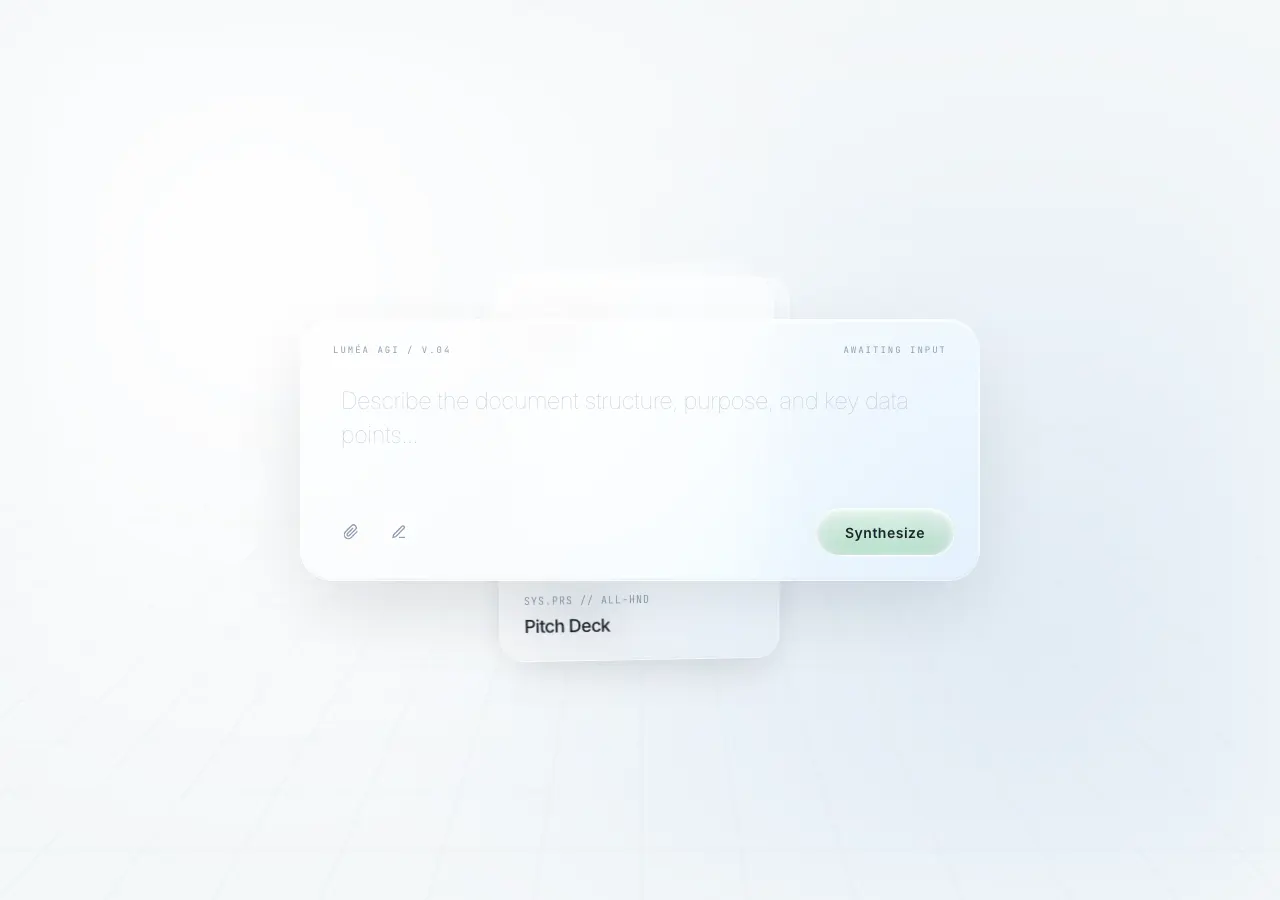
Public archive preview · jiangnan507
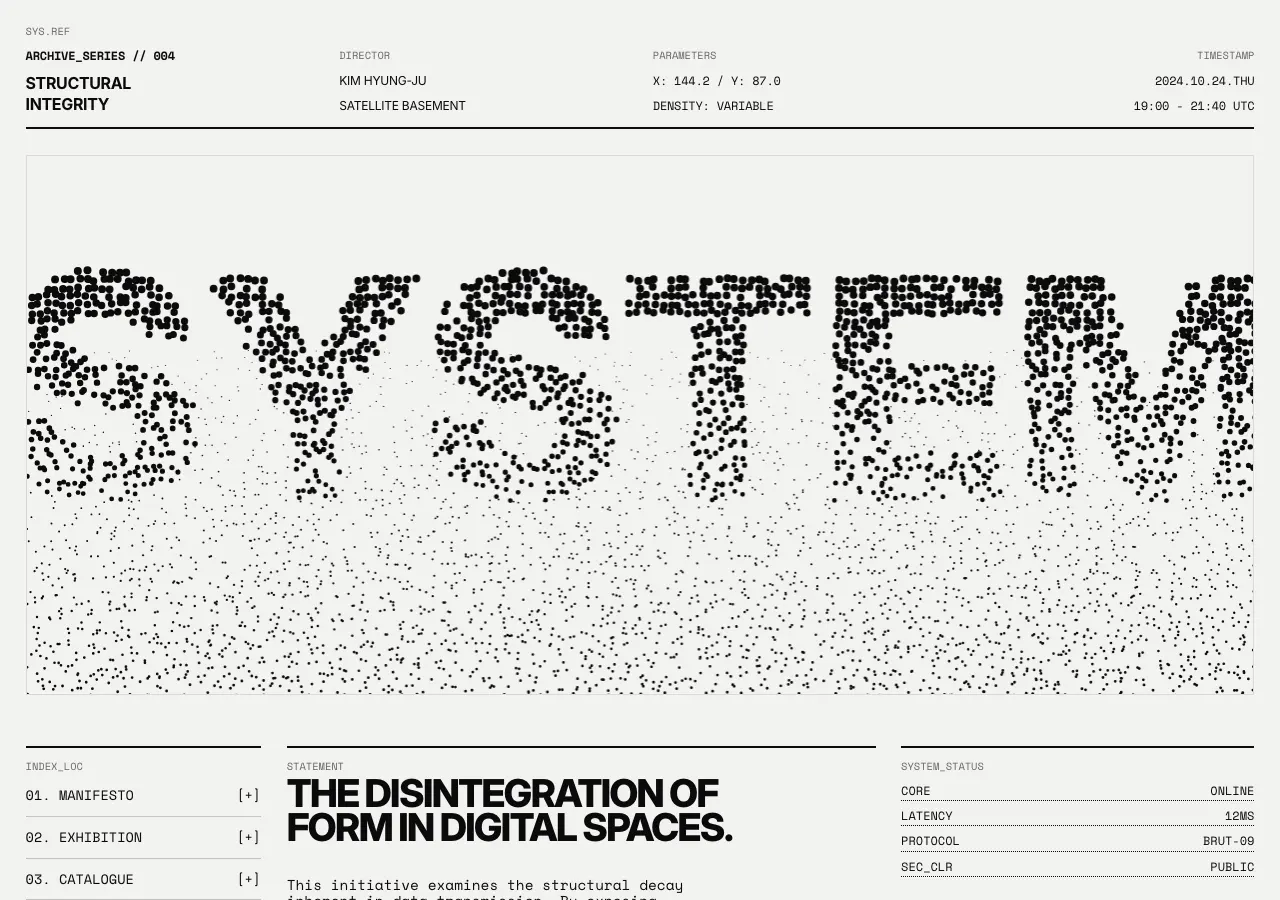
Public archive preview · haozilonglong
Public archive preview · ali06458
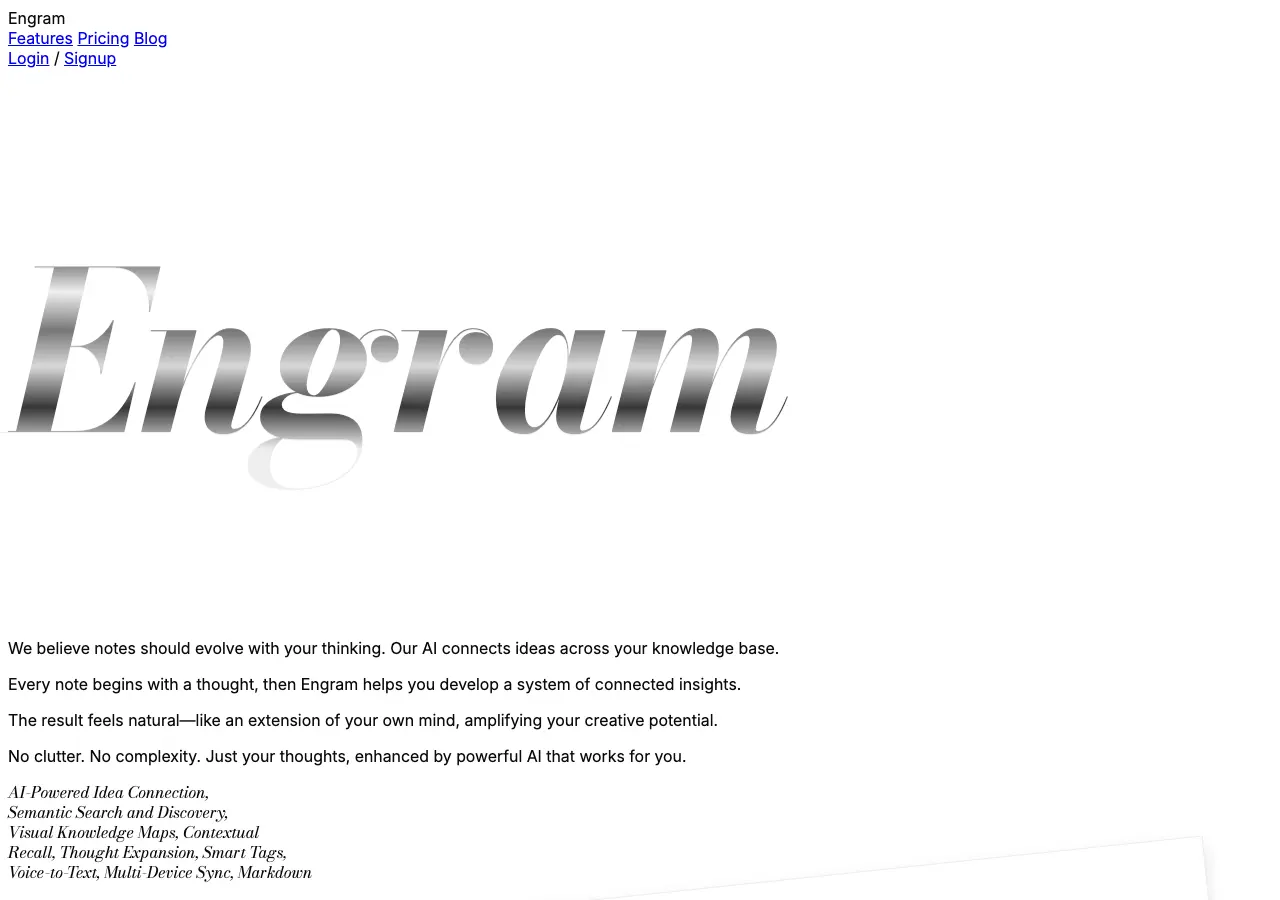
Public archive preview · Featured
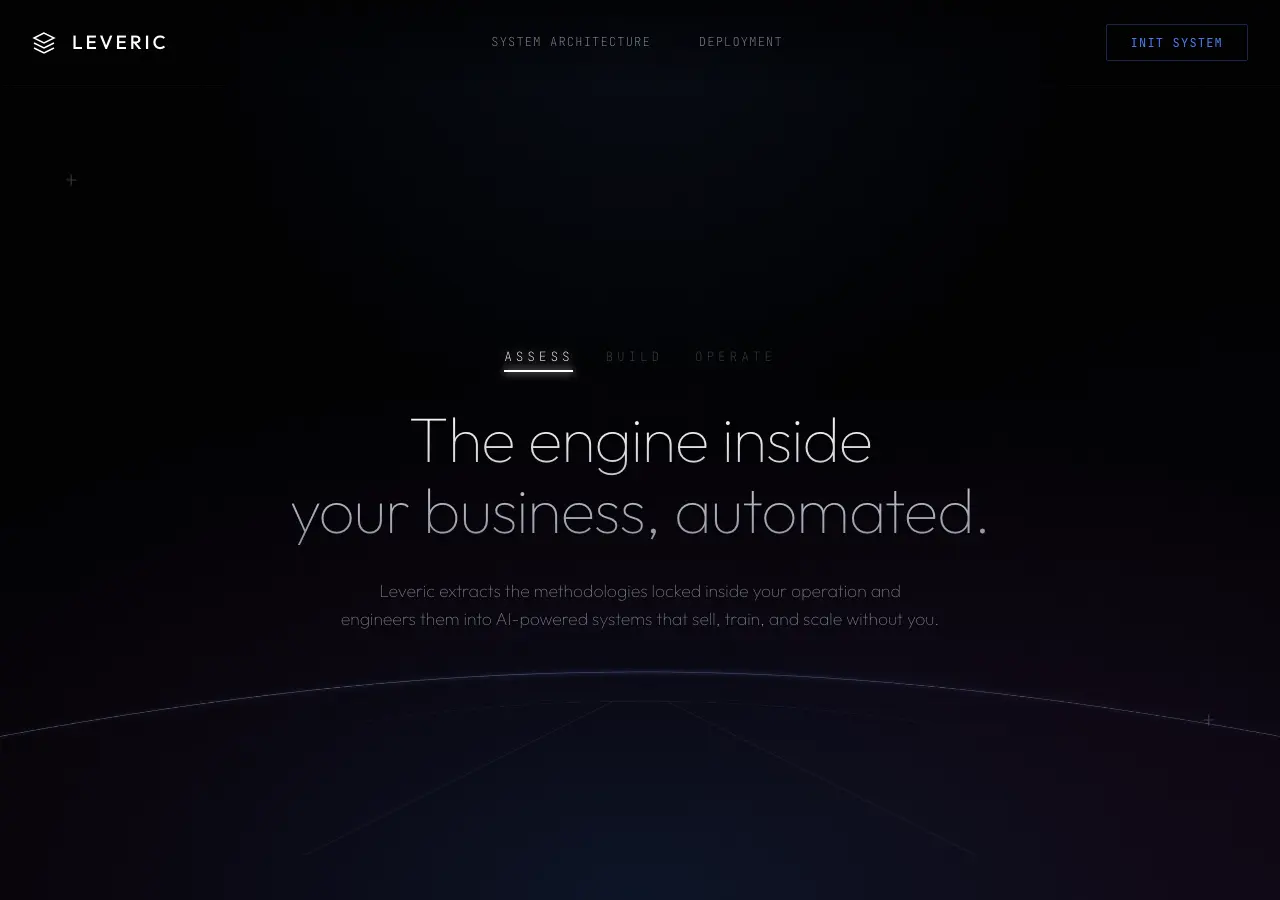
Public archive preview · joshuabatalibas
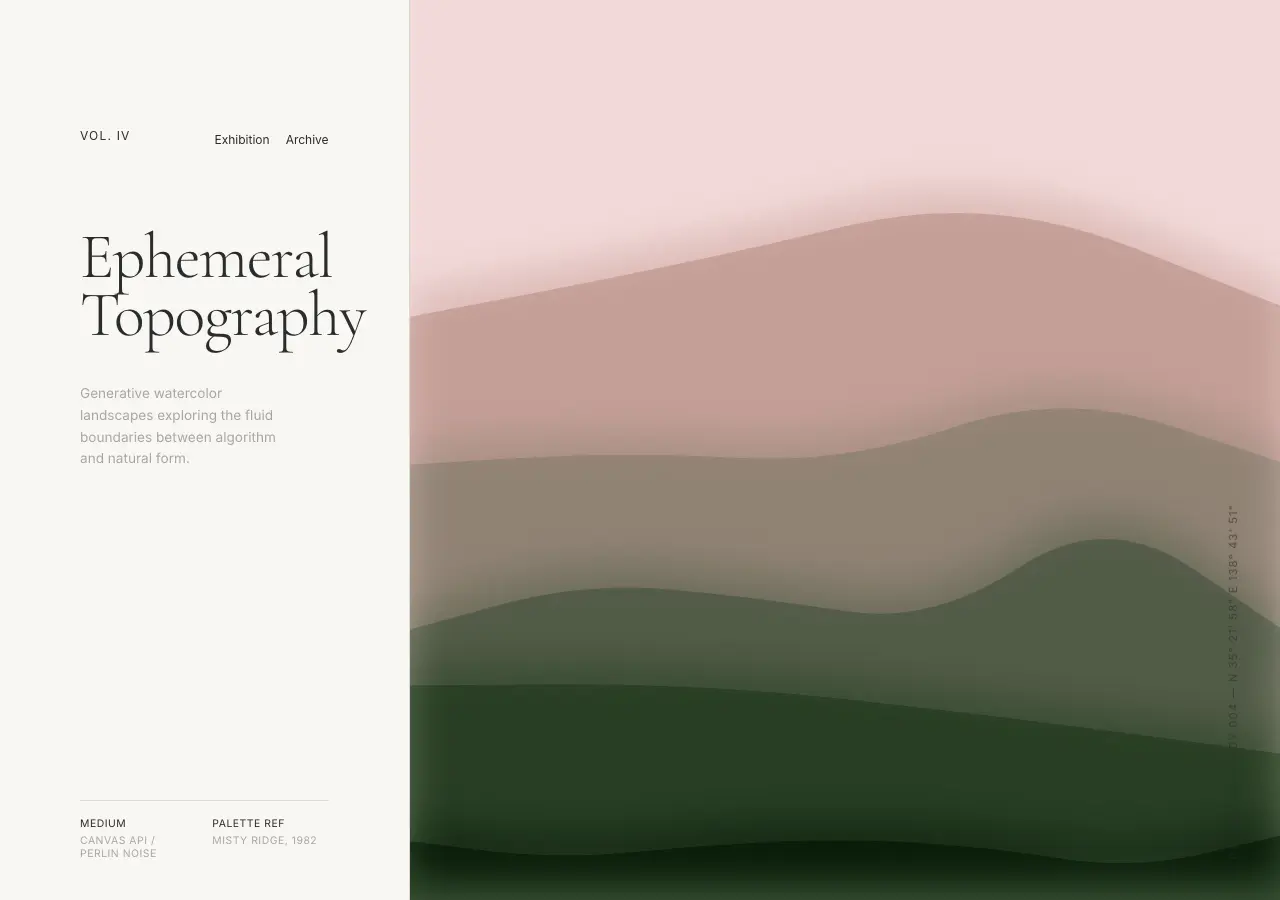
Public archive preview · dyc369v
Use source code to study implementation choices
A public preview lets you assess whether a landing page’s message flow and visual direction suit your question. A selected Panor source bundle then provides the archived HTML export, React export, and metadata record for that particular design. This gives you implementation reference material for a selected record rather than an anonymous download of the archive.
For the broader delivery model and the difference between HTML and React exports, read What Is a Web Design Source Bundle? and the HTML and React comparison guide.
Purchase and delivery
Each $0.51 USD purchase is for one selected source bundle, not the entire archive. Panor asks a buyer to sign in or create an account before secure Stripe checkout. After payment fulfillment, the selected source appears in My Library for the account that completed the purchase.
The Design Archive is published with Variant legal-team authorization for public preview display and account-bound source-bundle delivery. Public previews are available for evaluation; source files are not anonymous downloads.
Open all 24 public landing references
Filter the live archive to landing page records, expand a preview, and select only the specific HTML and React source bundle that fits the communication problem you are working on.
Browse landing page designs →Clear answers / archive facts
LANDING PAGE SOURCE FAQ_
How many landing page examples can I browse?
The live landing filter currently returns 24 public archive records.
Can I see a landing page before paying?
Yes. The archive offers public previews and expanded preview views before checkout.
Does a landing page source bundle include both HTML and React?
Yes. Each selected bundle includes the archived HTML export, React export, and metadata record for that record.
How much is one landing page bundle?
Each selected Panor source bundle is $0.51 USD.
Where is the source delivered?
After secure Stripe checkout and payment fulfillment, the selected bundle appears in the purchaser's My Library.