How to evaluate a portfolio reference
Portfolio inspiration is most useful when it exposes a presentation decision you need to make: how to introduce a practice, how to sequence project evidence, or how to put a conversation path close to the work. Do not judge only by an opening animation or color treatment; follow the route from introduction through selected work to contact.
Find the identity signal
Inspect how the portfolio states who it represents and what kind of work it contains. The opening should establish enough context that visual style has a frame of reference.
Trace the project narrative
Compare how a visitor moves from a project list to detail, process, outcomes, or case-study material. Portfolio examples are useful when they make the transition between overview and evidence legible.
Check the contact pathway
Look for whether the page offers an understandable next step after someone has reviewed the work. The useful question is not whether a contact button exists, but whether it arrives with enough trust and context.
Six public portfolio references to compare
These named records are six distinct examples from the 16-item portfolio filter. They are not a ranking or endorsement of a particular style. Public previews let you compare the information architecture and visual treatment before deciding whether a selected record’s HTML and React exports are relevant to your own work.

Public archive preview · cmllmtts
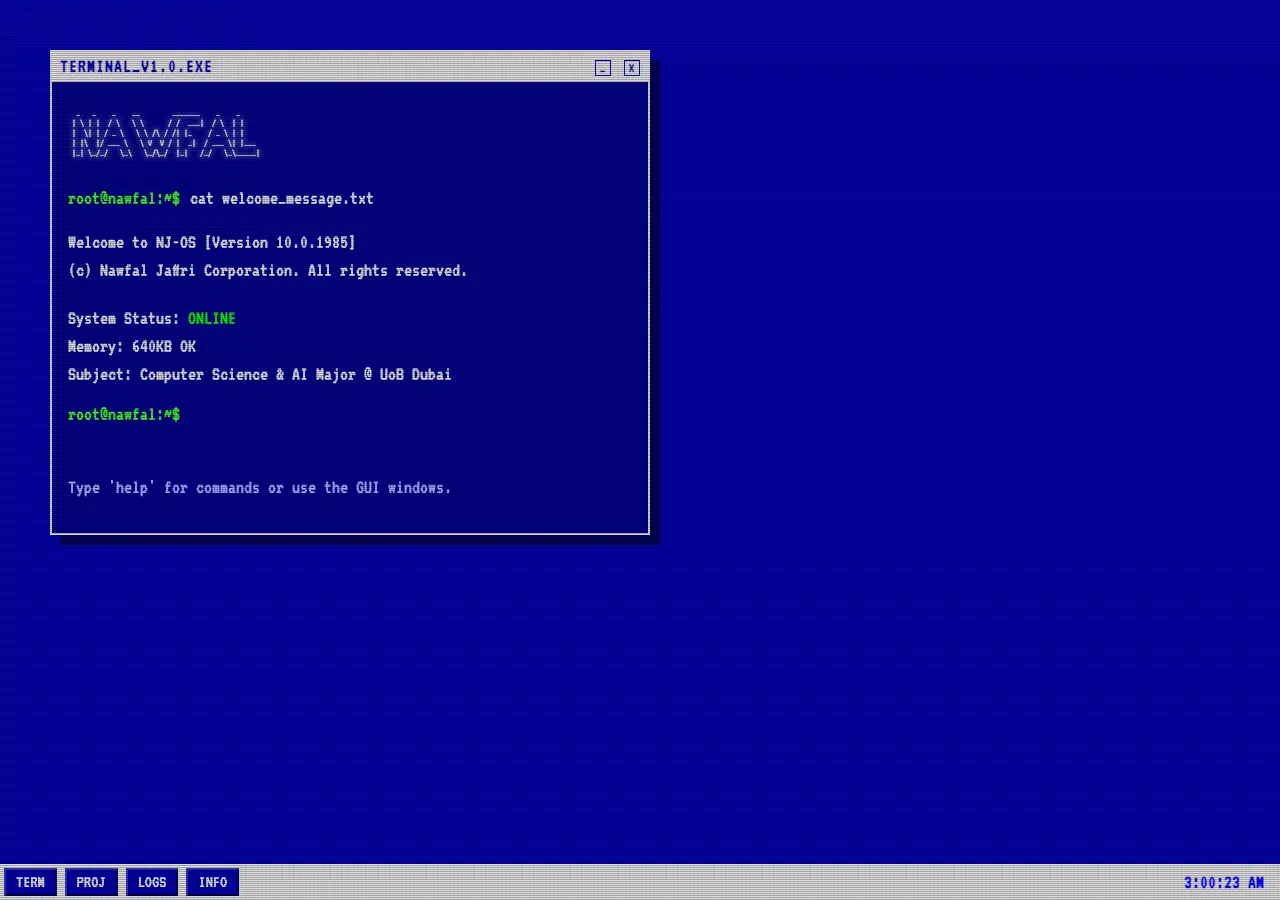
Public archive preview · nawfalben10
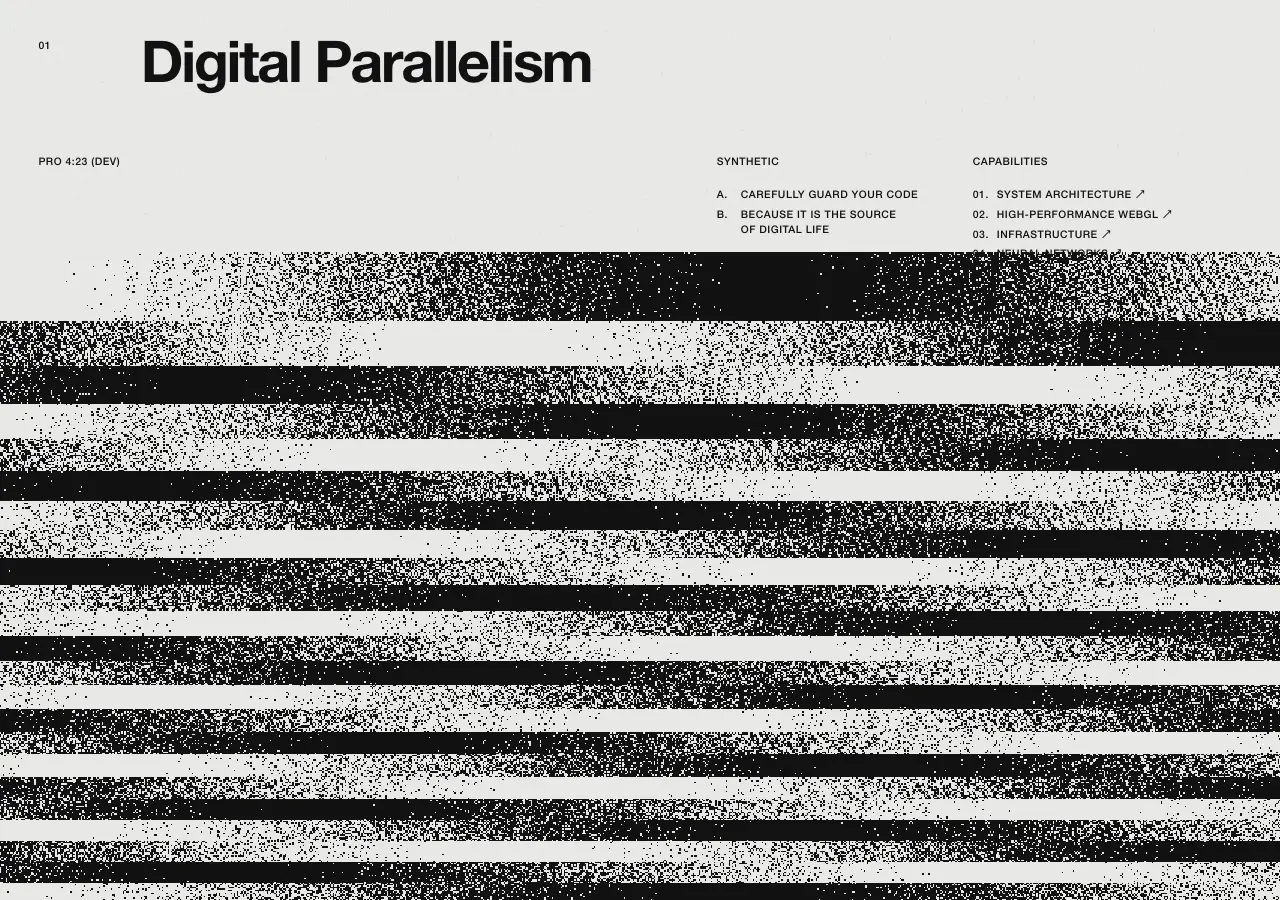
Public archive preview · henrymcgillis
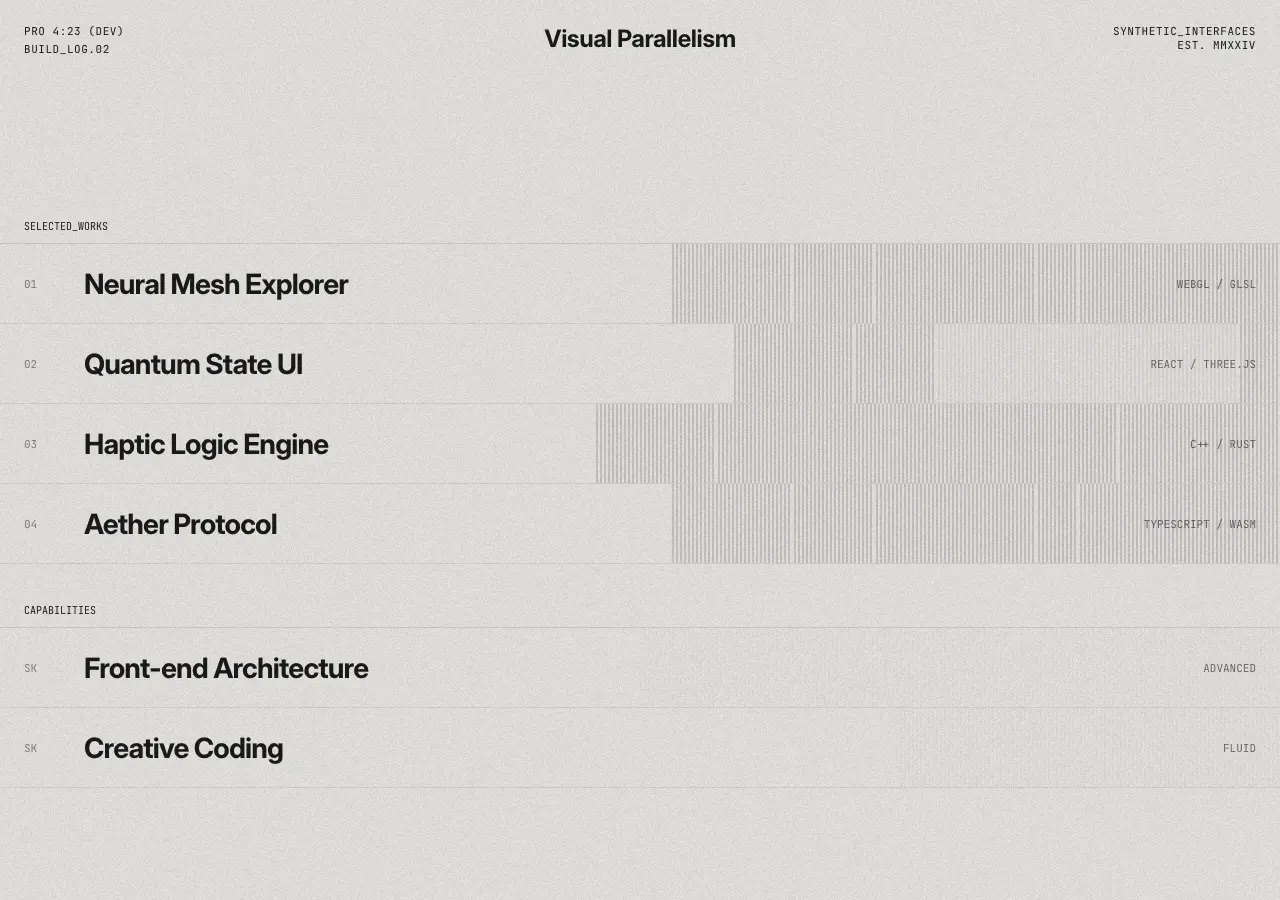
Public archive preview · henrymcgillis
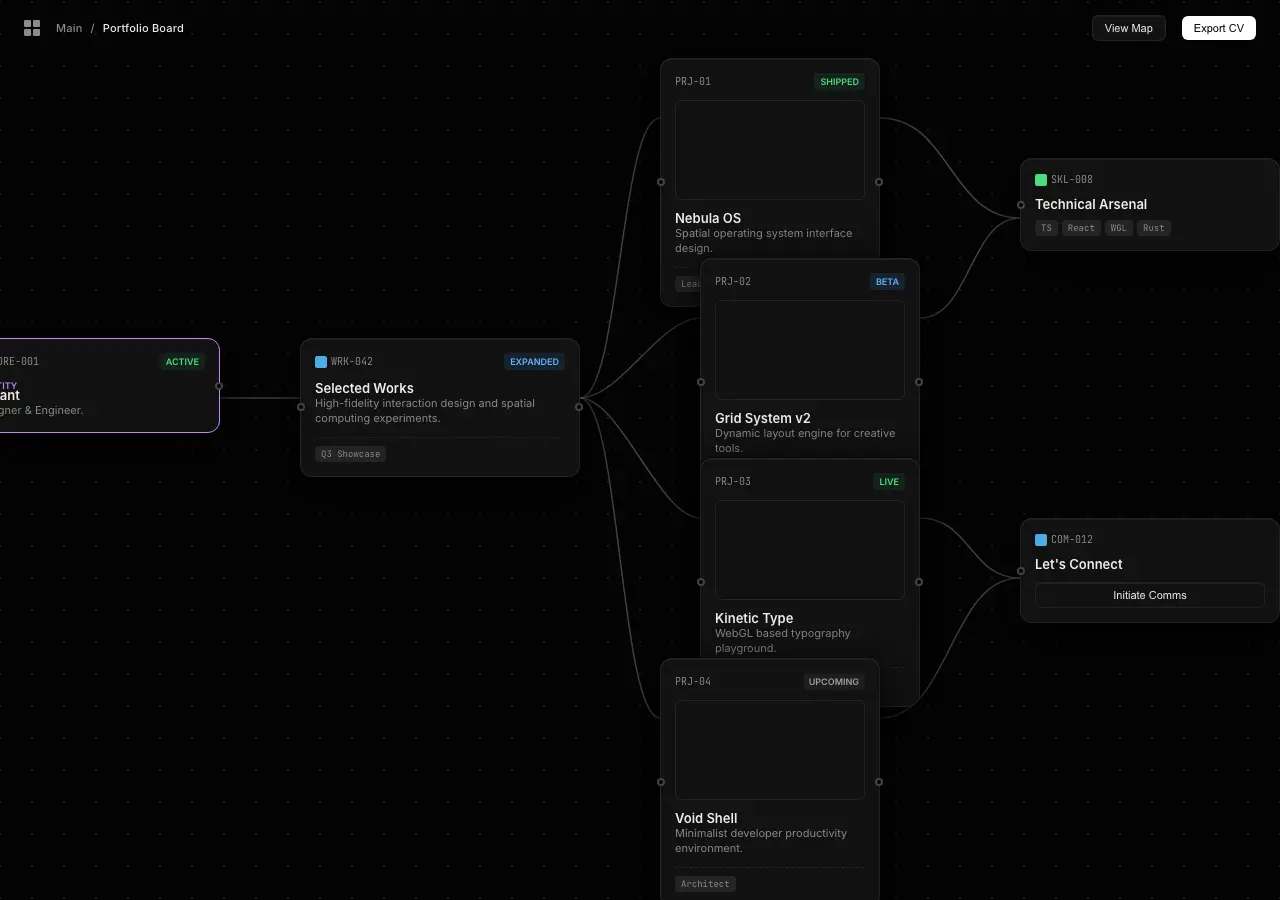
Public archive preview · bryanwinata112

Public archive preview · dyc369v
Use source code to study presentation choices
A public preview shows whether the portfolio’s narrative and visual direction are worth closer study. A selected Panor source bundle then provides the archived HTML export, React export, and metadata record for that particular design. This gives you implementation reference material for a selected record rather than a public download of another creator’s source files.
For the account and delivery model, read What Is a Web Design Source Bundle? and the HTML and React comparison guide.
Purchase and delivery
Each $0.51 USD purchase is for one selected source bundle, not the entire archive. Panor asks a buyer to sign in or create an account before secure Stripe checkout. After payment fulfillment, the selected source appears in My Library for the account that completed the purchase.
The Design Archive is published with Variant legal-team authorization for public preview display and account-bound source-bundle delivery. Public previews are available for evaluation; source files are not anonymous downloads.
Open all 16 public portfolio references
Filter the live archive to portfolio records, expand a preview, and select only the specific HTML and React source bundle that fits the presentation question you are working on.
Browse portfolio designs →Clear answers / archive facts
PORTFOLIO SOURCE FAQ_
How many portfolio examples can I browse?
The live portfolio filter currently returns 16 public archive records.
Can I see a portfolio before paying?
Yes. The archive offers public previews and expanded preview views before checkout.
Does a portfolio source bundle include both HTML and React?
Yes. Each selected bundle includes the archived HTML export, React export, and metadata record for that record.
How much is one portfolio bundle?
Each selected Panor source bundle is $0.51 USD.
Where is the source delivered?
After secure Stripe checkout and payment fulfillment, the selected bundle appears in the purchaser's My Library.